EDIT • DOWNLOAD • CELEBRATE
Editable Birthday Invitations for Every Celebration
Beautiful birthday invitation templates for kids, teens, and adults. Personalize eligible designs in Canva, then download, print, or share according to the product format.
POPULAR INVITATION DESIGNS
Shop Editable Birthday Invitations
Explore birthday invitation templates you can personalize in Canva or, on eligible products, have personalized by our design team.
-
This product has multiple variants. The options may be chosen on the product page
Bubble Tea Birthday Party Invitation, Cute Boba Kids Invite Editable Canva Download
$ 3,47 – $ 5,79Price range: $ 3,47 through $ 5,79This product has multiple variants. The options may be chosen on the product page- Edit in Canva (Free Account): No premium subscription required! Edit 100% free in your browser or on the Canva app.
- No Software to Install: Simply click the link after purchase to customize your design instantly online.
- Fully Customizable: Easily update the name, age, date, time, and pool location to match your birthday bash.
- Print or Go Digital: Download high-res PDFs for printing or JPEGs to send via text message and social media.

-
This product has multiple variants. The options may be chosen on the product page
Editable Coraline Invitation Canva, Printable Coraline Birthday Invitation Card, Coraline Birthday Party, Digital Coraline Birthday Invite
$ 3,47 – $ 5,79Price range: $ 3,47 through $ 5,79This product has multiple variants. The options may be chosen on the product page- Edit in Canva (Free Account): No premium subscription required! Edit 100% free in your browser or on the Canva app.
- No Software to Install: Simply click the link after purchase to customize your design instantly online.
- Fully Customizable: Easily update the name, age, date, time, and pool location to match your birthday bash.
- Print or Go Digital: Download high-res PDFs for printing or JPEGs to send via text message and social media.
-
This product has multiple variants. The options may be chosen on the product page
Watercolor Superhero Birthday Invitation Template, Kids Hero Party Invite, Editable Canva Printable Instant Download Digital
$ 3,47 – $ 5,79Price range: $ 3,47 through $ 5,79This product has multiple variants. The options may be chosen on the product page- Edit in Canva (Free Account): No premium subscription required! Edit 100% free in your browser or on the Canva app.
- No Software to Install: Simply click the link after purchase to customize your design instantly online.
- Fully Customizable: Easily update the name, age, date, time, and pool location to match your birthday bash.
- Print or Go Digital: Download high-res PDFs for printing or JPEGs to send via text message and social media.
-
This product has multiple variants. The options may be chosen on the product page
Rainbow Girl Birthday Invitation, Let’s Pawty, Calling All Party Animals, Dog Party Invite, Puppy Birthday Invitation, Editable Canva DB73
$ 3,47 – $ 5,79Price range: $ 3,47 through $ 5,79This product has multiple variants. The options may be chosen on the product page- Edit in Canva (Free Account): No premium subscription required! Edit 100% free in your browser or on the Canva app.
- No Software to Install: Simply click the link after purchase to customize your design instantly online.
- Fully Customizable: Easily update the name, age, date, time, and pool location to match your birthday bash.
- Print or Go Digital: Download high-res PDFs for printing or JPEGs to send via text message and social media.
FIND YOUR PARTY STYLE
Shop Birthday Invitations by Theme
Browse invitation designs organized by party theme, milestone age, and celebration style.
SIMPLE FROM START TO FINISH
How Editable Birthday Invitations Work
Pick a design, choose how you want it personalized, add your party details, then download your finished birthday invitation to print or share.
Choose Your Invitation
Browse birthday invitation templates by age, theme, activity, or style and open the design that fits your celebration.
Choose Self Edit or We Edit
Edit the Canva template yourself, or choose the professional personalization option when it is available.
Personalize Your Details
Add the guest of honor's name, age, party date, time, location, RSVP information, and other important details.
Download, Print, or Share
Download the finished invitation in the available format, print it, or share the digital version.
FLEXIBLE OPTIONS
Self Edit or We Edit — Choose What Works for You
Whether you want direct control to edit in Canva or prefer our team to personalize an eligible design for you, EditableInvites offers flexible options for different workflows.
Self Edit in Canva
Best when you want to personalize the invitation yourself and make changes on your own schedule.
- Open the editable template in Canva.
- Change the available editable text/design elements.
- Add your event information.
- Download when ready.
We Edit for You
Best when you want us to personalize an eligible invitation with the event information you provide.
- Choose an eligible We Edit product.
- Submit the requested party information.
- EditableInvites personalizes the design.
- Receive the finished file according to the product terms.
THE EDITABLEINVITES ADVANTAGE
Why Choose EditableInvites?
Designed for busy parents and party planners who want stylish, customizable invitations without graphic design complexity.
Easy Canva Editing
Self Edit templates are designed to make personalization simple, even when you are not a professional designer.
Digital Access
Eligible digital products provide access according to the delivery details shown on the product page.
Designs for Every Celebration
Explore invitations for kids, milestone birthdays, popular activities, seasonal parties, and many different birthday themes.
Print or Share Digitally
Use the available download format to prepare your invitation for home printing, professional printing, or digital sharing.
PARTY PLANNING TIPS
Birthday Invitation Ideas & Guides
Get practical help with birthday invitation wording, what details to include, how to edit a template, when to send invitations, and whether printable or digital invitations are right for your party.

Birthday Invitation Wording Ideas for Every Age

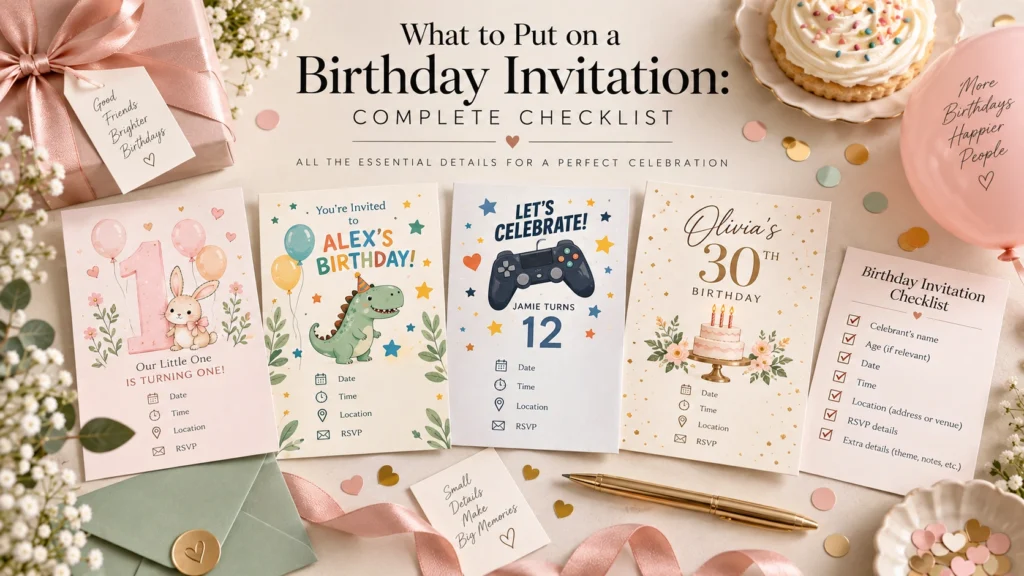
What to Put on a Birthday Invitation: Complete Checklist

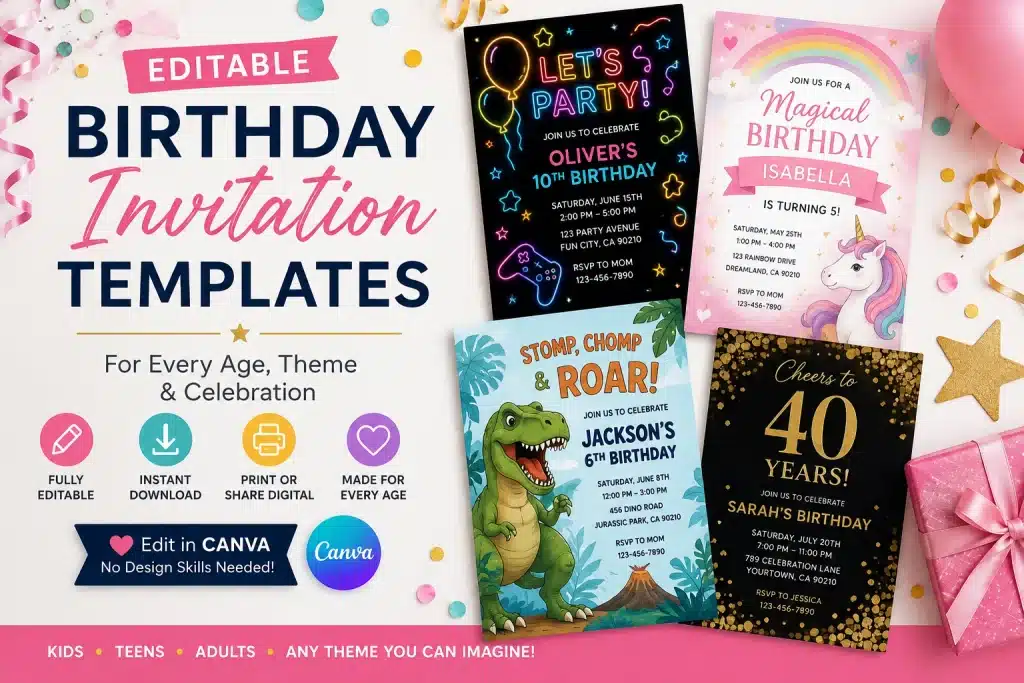
Editable Birthday Invitation Templates for Every Age & Theme
QUESTIONS & ANSWERS
Frequently Asked Questions About Editable Birthday Invitations
Everything you need to know about editing in Canva, product options, downloading, printing, and delivery.
1. What is an editable birthday invitation?
An editable birthday invitation is a digital template that lets you customize the party details—such as the child's name, age, party date, time, venue, and RSVP info—before printing or sending it to guests. Depending on the product option you select, you can personalize the template yourself in Canva or have our team format the invitation for you.
2. How do Canva birthday invitation templates work?
For eligible Self Edit products, follow the Canva access instructions provided with your purchase. Personalize the editable party details, review your design, and download the file formats included with that specific product.
3. Do I need a Canva account?
A Canva account is generally required to open and edit a Self Edit Canva template. Check the individual product listing for any design-specific Canva requirements before purchasing.
4. What can I change on the invitation?
Editable elements vary by design. Many templates allow you to change party wording and event details such as the name, age, date, time, location, and RSVP information. Some fonts, colors, graphics, or layout elements may have product-specific limitations, so review the product description for exact editable fields.
5. Can I print my birthday invitation?
If the product includes a print-ready download option, you can use the included file for home printing or a professional print service. Check the individual product listing for the exact invitation size, file format, and printing recommendations.
6. Can I send the invitation digitally?
If the product includes a file format suitable for digital sharing, you can send the finished invitation through your preferred messaging, email, or sharing method. Check the individual product listing for the exact formats included.
7. What is the difference between Self Edit and We Edit?
Self Edit gives you direct access to the Canva template so you can personalize all event details on your own schedule. We Edit is our professional personalization service for eligible designs: you provide your party information at checkout or via form, and the EditableInvites team typesets and prepares the finished invitation file for you according to the product terms.
8. How quickly will I receive my invitation?
Delivery timing depends on the product and personalization option. For Self Edit products, follow the access and delivery instructions shown on the product listing and order confirmation. For We Edit orders, use the turnaround timeframe stated on that product's listing page.
READY TO CREATE?
Find the Perfect Birthday Invitation
Browse editable birthday invitations for every age and theme, choose your favorite design, and start preparing your celebration.
Shop Birthday Invitations